
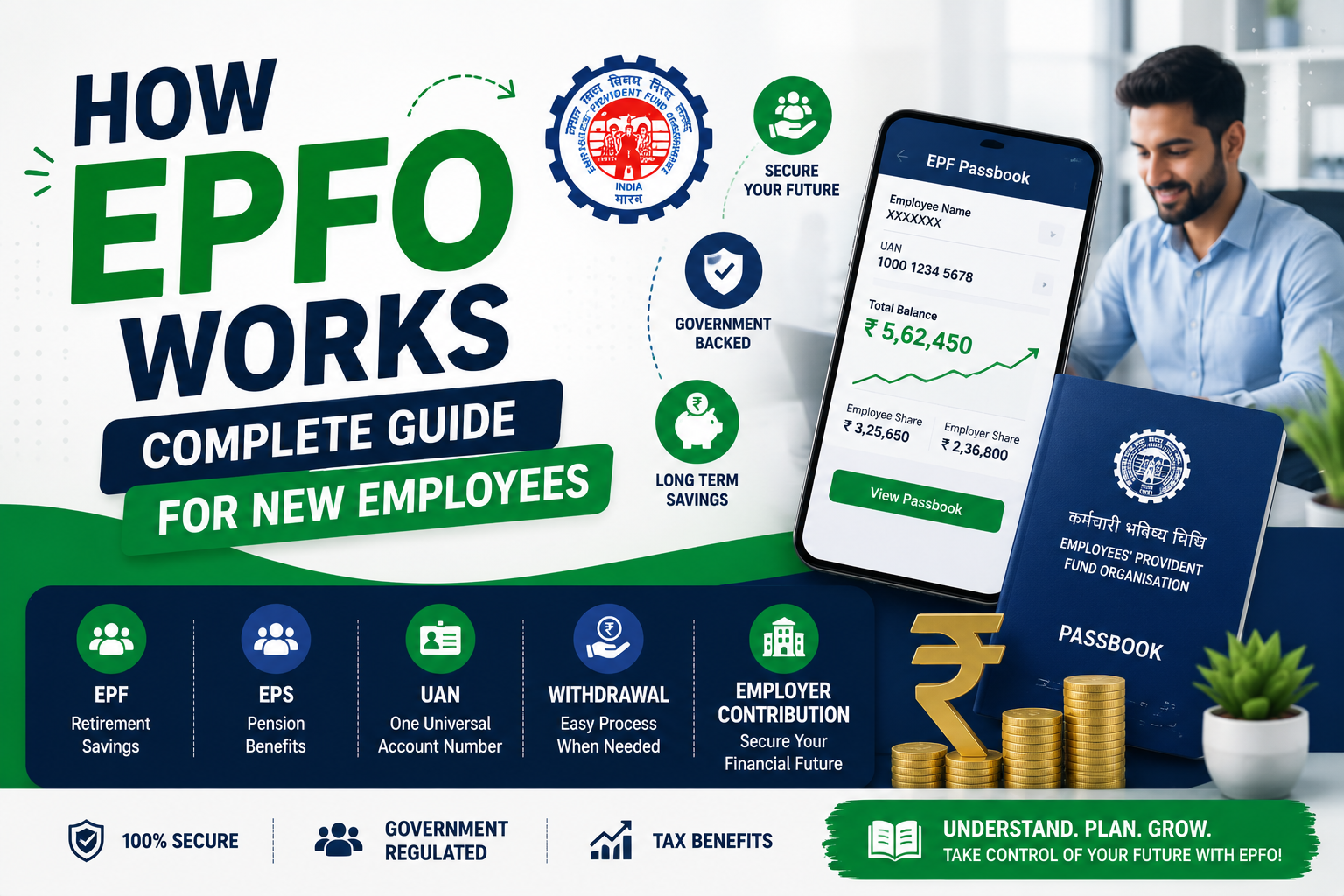
You just joined your first job. Your salary slip shows a deduction — “EPF ₹1,800.” You don’t know what EPF is. You don’t know where that money goes. You don’t know you have a UAN number. And nobody in HR explained any of it.
Six months later, you hear a colleague say “Check your EPFO passbook.” You ask — “What passbook?”
This is the reality for most new employees in India. EPFO manages the retirement savings of over 7 crore active members. Your employer deducts money every month and deposits it into your PF account. But if you don’t know how the system works, you can’t track your money, transfer it when you switch jobs, or withdraw it when you need it.
In this article, I’ll explain exactly how EPFO works — from UAN activation to balance check to withdrawal — in simple steps.
What is EPFO and How Does It Work — The Basics Every New Employee Must Know
EPFO stands for Employees’ Provident Fund Organisation. It’s a government body under the Ministry of Labour that manages the provident fund (PF) savings of salaried employees in India.
Is EPFO the same as PF? Yes — essentially. EPF (Employees’ Provident Fund) is the savings scheme. EPFO is the organization that runs it. When people say “PF” casually, they mean the EPF scheme managed by EPFO.
How does the money flow?
Every month, two contributions go into your EPF account:
| Contribution | Percentage | Source |
|---|---|---|
| Employee’s share | 12% of Basic + DA | Deducted from your salary |
| Employer’s share | 12% of Basic + DA | Paid by your employer |
But here’s the detail most people miss — your employer’s 12% doesn’t all go into your PF. It’s split:
| Employer’s 12% Goes To | Percentage |
|---|---|
| EPF (your PF account) | 3.67% |
| EPS (Employees’ Pension Scheme) | 8.33% |
So your total EPF accumulation per month = your 12% + employer’s 3.67% = 15.67% of your Basic + DA.
Example: Meera’s Basic + DA is ₹20,000/month.
- Her EPF deduction: ₹2,400 (12%)
- Employer’s EPF: ₹734 (3.67%)
- Total monthly EPF: ₹3,134
- Employer’s EPS: ₹1,666 (8.33%) — goes to pension fund
In one year, Meera’s EPF account accumulates roughly ₹37,600 — plus interest. The current EPFO interest rate is 8.25% per annum (FY 2025-26). This is significantly higher than most bank FDs.
Who is covered? Any establishment with 20 or more employees must register with EPFO. Employees earning Basic + DA up to ₹15,000/month are mandatorily covered. Those earning above ₹15,000 can also be covered — and most companies enrol all employees regardless of salary.
How to Activate UAN Number — Step by Step
UAN stands for Universal Account Number. Think of it as your permanent PF identity. Even when you switch jobs, your UAN stays the same. Each new employer creates a new Member ID — but all Member IDs are linked to your single UAN.
Your employer generates your UAN when you join. You’ll find it on your salary slip or by asking HR. Once you have the 12-digit UAN, here’s how to activate it:
Step 1: Go to the EPFO Member Portal — unifiedportal-mem.epfindia.gov.in
Step 2: Click on “Activate UAN” (available on the login page itself).
Step 3: Enter the following details:
- UAN number (from salary slip or HR)
- Aadhaar number or PAN or Member ID
- Your name and date of birth (as per EPFO records)
- Mobile number (must match your Aadhaar-linked number)
Step 4: Click “Get Authorization Pin.” An OTP is sent to your registered mobile.
Step 5: Enter the OTP. Your UAN is now activated. The system sends your login password via SMS.
Step 6: Log in with your UAN as username and the SMS password. You’ll be prompted to change your password on first login. Set a strong new password.
Step 7 (Very important): Once logged in, go to “Manage” → “KYC” and verify that your Aadhaar, PAN, and bank account are linked to your UAN. If they’re not linked, add them here. KYC verification takes 2-5 days.
A fresher in Bangalore joined an IT company but didn’t activate his UAN for 11 months. When he switched jobs, he couldn’t transfer his PF because his UAN wasn’t activated and KYC wasn’t done. The transfer took 3 extra months. Activate your UAN in the first week of joining — it takes 10 minutes and saves you months of hassle later.
Common UAN activation errors and fixes:
- “Name mismatch” — Your name in EPFO records must exactly match your Aadhaar. If there’s a spelling difference (Rahul vs Rahool), ask HR to correct it in the EPFO system first.
- “Mobile number not matching” — The mobile number must match the one linked to your Aadhaar. Update your Aadhaar-linked mobile at your nearest Aadhaar centre if needed.
- “UAN already activated” — This means a previous employer already activated it. Use the “Forgot Password” option to recover access.
How to Check EPFO Balance Online — 4 Easy Methods
Method 1: EPFO Member Portal (Most Detailed)
Step 1: Go to unifiedportal-mem.epfindia.gov.in
Step 2: Log in with your UAN and password.
Step 3: Click “View” → “Passbook.”
Step 4: Select the Member ID (if you’ve had multiple employers, each will have a separate Member ID).
Step 5: Your complete passbook opens — showing every monthly contribution, employer’s share, and interest credited.
This gives you the most detailed view — month by month, rupee by rupee.
Method 2: UMANG App (Government App)
Step 1: Download the UMANG app from Google Play or App Store.
Step 2: Register with your mobile number.
Step 3: Go to EPFO → View Passbook.
Step 4: Enter your UAN and OTP. Your balance and passbook appear instantly.
Method 3: Missed Call Service (No Internet Needed)
Give a missed call to 011-22901406 from your UAN-registered mobile number. You’ll receive an SMS with your latest PF balance. This works even without a smartphone — just a basic phone with the registered SIM.
Method 4: SMS Service
Send an SMS to 7738299899 in this format:
EPFOHO UAN ENG (replace ENG with your preferred language — HIN for Hindi, TAM for Tamil, etc.)
Your balance arrives via SMS within a few minutes. This works best when you need a quick check without logging into any portal.
A new employee in Chennai didn’t know his PF balance for 2 years. He assumed ₹40,000-₹50,000 had accumulated. When he finally checked via the portal, his balance was ₹1.2 lakh — because employer contribution and interest had significantly boosted the total. Always check. You might have more than you think.
EPFO Withdrawal and Transfer — What to Do When You Switch Jobs
PF Transfer (When Switching Jobs)
When you change companies, your PF should be transferred — not withdrawn. Here’s why:
- Withdrawing PF before 5 years of continuous service is taxable (TDS of 10% is deducted if PF amount exceeds ₹50,000)
- Transferring keeps your money growing at 8.25% interest — tax-free
- Your total PF accumulation across all jobs builds a strong retirement corpus
How to transfer PF online:
Step 1: Log into the EPFO Member Portal with your UAN.
Step 2: Go to “Online Services” → “One Member – One EPF Account (Transfer Request).”
Step 3: Verify your personal details and KYC.
Step 4: Enter your previous employer’s Member ID and current employer’s Member ID.
Step 5: Select which employer should verify the transfer — choose your current employer (they respond faster).
Step 6: Submit. Your current employer gets a digital request to approve.
Step 7: Once approved, the transfer happens within 10-20 days.
Important: Both your old and new Member IDs must be linked to the same UAN. If they’re not, ask your new employer’s HR to link your UAN properly.
PF Withdrawal (When You Need the Money)
You can withdraw PF online for specific reasons even while employed:
- Medical emergency — Up to 6 months’ Basic + DA
- Home loan repayment — After 10 years of service
- Marriage — Self, sibling, or children — after 7 years
- Education — Children’s higher education — after 7 years
For full withdrawal (entire PF balance), you must be unemployed for 2 months after leaving a job.
How to withdraw PF online:
Step 1: Log into the EPFO Member Portal.
Step 2: Go to “Online Services” → “Claim (Form-31, 19, 10C & 10D).”
Step 3: Verify your bank account (last 4 digits) and enter the details.
Step 4: Select the claim type — Form 19 for full PF withdrawal, Form 31 for partial/advance withdrawal.
Step 5: Enter the reason and amount.
Step 6: Submit. Aadhaar OTP verification is required.
Step 7: Withdrawal is processed within 7-15 working days and credited directly to your Aadhaar-linked bank account.
Common EPFO Mistakes New Employees Make
Mistake 1: Not activating UAN for months after joining.
Every service — balance check, transfer, withdrawal — requires an activated UAN with completed KYC. Delaying activation means you can’t access any of these when you need them. A developer in Hyderabad switched jobs after 8 months. His UAN wasn’t activated. His PF transfer took 4 months instead of 2 weeks. Activate it in week one.
Mistake 2: Withdrawing PF every time you switch jobs.
Rahul, 26, has switched 3 jobs. Each time, he withdrew his PF — ₹45,000, ₹68,000, ₹52,000. He spent it all. If he had transferred and accumulated, his balance today would be over ₹2 lakh with interest. PF is retirement money. Transfer it — don’t spend it.
Mistake 3: Not checking if the employer is actually depositing PF.
Your salary slip shows ₹1,800 deducted as PF. But is your employer actually depositing it with EPFO? Check your passbook every quarter. A small company in Delhi deducted PF from 30 employees for 14 months but never deposited it with EPFO. Employees discovered this only when trying to transfer. The company faced legal action — but employees lost months of interest.
Mistake 4: Having multiple UANs.
Some employees end up with 2-3 UANs because different employers generated new ones instead of using the existing UAN. Multiple UANs mean scattered PF balances. Check with HR to ensure they use your existing UAN. If you already have multiple, go to “One Member – One EPF Account” on the portal to merge them.
Frequently Asked Questions
Q1: How to check EPFO balance online?
Four methods — log into the EPFO Member Portal (unifiedportal-mem.epfindia.gov.in) and view your passbook, use the UMANG app, give a missed call to 011-22901406, or send an SMS to 7738299899. The portal gives the most detailed month-by-month breakdown. Missed call and SMS methods work for quick balance checks without internet.
Q2: How to activate UAN number?
Visit unifiedportal-mem.epfindia.gov.in → Click “Activate UAN” → Enter UAN, Aadhaar/PAN, name, date of birth, and mobile number → Get OTP → Enter OTP → UAN is activated. Login password is sent via SMS. Change it on first login and complete KYC by linking Aadhaar, PAN, and bank account.
Q3: What documents are needed for EPFO withdrawal?
For online withdrawal — no physical documents needed. You need an activated UAN with Aadhaar, PAN, and bank account linked and verified. The process is entirely digital — form submission and Aadhaar OTP verification happen on the portal. For offline claims, you need Form 19 signed by your employer, identity proof, cancelled cheque, and two passport-size photos.
Q4: How long does EPFO withdrawal take?
Online claims with completed KYC take 7-15 working days. Claims where KYC is incomplete or Aadhaar is not linked may take 30-45 days. Auto-mode claims (where employer attestation isn’t needed because Aadhaar is verified) are fastest — sometimes processed within 5-7 days. Offline claims via paper submission take 30-60 days.
Q5: Is EPFO same as PF?
EPFO is the organisation — Employees’ Provident Fund Organisation. PF (or EPF) is the savings scheme it manages — Employees’ Provident Fund. When your salary slip says “PF deduction,” that money goes into the EPF scheme managed by EPFO. Your PF account, passbook, and balance are all maintained by EPFO. They’re two sides of the same system.
Your PF Is Your Future — Start Tracking It Today
Here’s the one thing every new employee should do in their first week — activate your UAN, complete your KYC, and check your EPFO passbook. It takes 15 minutes. And it gives you control over money that will grow into lakhs over your career.
Don’t withdraw PF when you switch jobs — transfer it. Don’t ignore your passbook — check it quarterly. Don’t assume your employer is depositing — verify it yourself.
Your PF balance might seem small today. But at 8.25% interest, compounded over 25-30 years of your career, it becomes your retirement safety net. Protect it. Track it. Let it grow.
Open the EPFO portal tonight. Activate your UAN. Check your balance. That’s your first step toward financial security. 💪
