
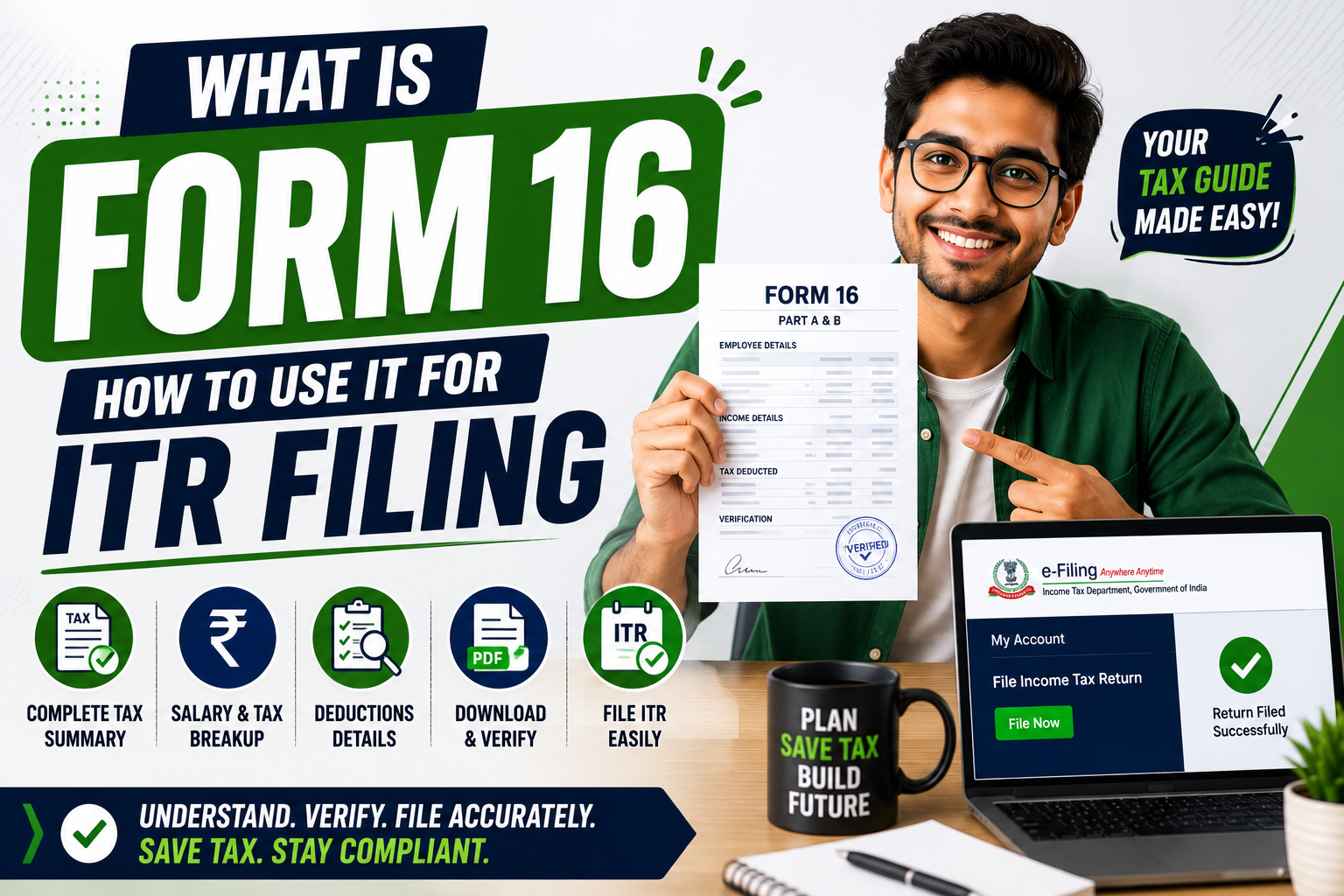
It’s July. Tax filing season. Your CA or a friend asks — “Do you have your Form 16?” You nod and say yes. But honestly, you have no idea what’s in it. You downloaded the PDF from your HR portal, didn’t open it, and forwarded it blindly. Sound familiar?
You’re not alone. Most salaried employees in India treat Form 16 like a mystery document they never read.
In this article, I’ll explain what Form 16 actually is, what Part A and Part B contain, how to download it, and exactly how to use it to file your income tax return — step by step.
Form 16 Meaning — Part A and Part B Explained Simply
Form 16 is a TDS certificate issued by your employer. It’s proof that your company deducted tax from your salary and deposited it with the government on your behalf.
Think of it like a receipt. Your employer tells the Income Tax Department — “We paid this employee ₹X salary and deducted ₹Y as tax.” Form 16 is the document that proves this transaction.
It has two parts:
Part A — This is the tax deduction summary. It contains:
- Your employer’s name, address, and TAN (Tax Deduction Account Number)
- Your PAN number
- Quarter-wise TDS deducted and deposited
- Acknowledgment numbers for each TDS deposit
Part A is generated directly from the TRACES portal (government system). Your employer cannot modify it. It’s the official government record of your TDS.
Part B — This is your detailed salary breakdown. It contains:
- Gross salary (basic + HRA + allowances + bonus)
- Exemptions claimed (HRA, LTA)
- Deductions under Section 80C, 80D, etc.
- Taxable income after all deductions
- Total tax calculated and deducted
Part B is prepared by your employer based on your salary structure and investment declarations.
Here’s a quick comparison to clear the confusion:
| Detail | Part A | Part B |
|---|---|---|
| Generated by | TRACES (Government) | Employer |
| Contains | TDS deposit proof | Salary & deduction details |
| Can be modified | No | Yes (by employer) |
| Used for | TDS verification | ITR filing — salary details |
A fresher in Bangalore once asked me — “Is Form 16 the same as my salary slip?” No. Your salary slip shows one month’s pay. Form 16 covers the entire financial year (April to March). It’s your annual salary summary with tax details — all 12 months combined in one document.
According to the Income Tax Department’s 2024 data, over 7.5 crore ITRs were filed that year — and for salaried employees, Form 16 is the single most important document that makes filing possible.
How to Download Form 16 and What to Do If Your Employer Doesn’t Give It
Your employer is legally required to issue Form 16 by June 15 every year. If your company deducted TDS from your salary, they must give you this document. It’s not optional — it’s mandated under Section 203 of the Income Tax Act.
How to get your Form 16:
Method 1: From your employer’s HR portal (most common).
Most companies upload Form 16 on their HRMS platform — Darwinbox, GreytHR, Keka, or SAP. Log in → Go to “Tax” or “Documents” section → Download Form 16. This is how 90% of salaried employees get it.
Method 2: Request HR directly via email.
If your company doesn’t have an HR portal, email your HR or payroll team. Write — “Please share my Form 16 for FY 2024-25.” They’ll send it as a PDF or printed document.
Method 3: Download Part A from TRACES (if employer delays).
If your employer is delayed or unresponsive, you can download Part A yourself.
Steps:
- Go to tdscpc.gov.in (TRACES portal)
- Register as a “Taxpayer” using your PAN
- Log in → Go to “Downloads” → Select “Form 16”
- Enter the employer’s TAN and the assessment year
- Download Part A
Note — TRACES only gives you Part A. Part B must come from your employer.
What if your employer refuses to give Form 16?
This is more common than you’d think — especially in smaller companies and startups. A marketing executive in Delhi worked at a small agency for 2 years. The company deducted ₹48,000 as TDS but never issued Form 16. He had to file a complaint with the Income Tax Department.
If your employer doesn’t give Form 16 despite requests:
- Download your Form 26AS or AIS (Annual Information Statement) from the income tax portal — it shows all TDS deducted against your PAN
- Use your salary slips to reconstruct Part B details
- File your ITR using these alternative documents
- Report the employer to the Income Tax Department if TDS was deducted but not deposited
You can file ITR without Form 16 — I’ll explain how in the next section.
How to File ITR Using Form 16 — Step by Step for Salaried Employees
Filing your income tax return using Form 16 is simpler than you think. Here’s exactly how to do it.
Step 1: Collect your documents.
You need — Form 16 (Part A + Part B), bank statements (for interest income), Form 26AS or AIS (download from incometax.gov.in), and investment proofs (PPF, ELSS, insurance receipts for 80C/80D claims).
Step 2: Log in to the income tax portal.
Go to incometax.gov.in → Log in with your PAN and password. If you don’t have an account, register using your PAN, Aadhaar, and mobile number. It takes 5 minutes.
Step 3: Select the right ITR form.
For salaried employees with income up to ₹50 lakh — use ITR-1 (Sahaj). This is the simplest form. If you have capital gains or multiple house properties, you’ll need ITR-2.
Step 4: Fill in details from Form 16.
The portal auto-fetches some data from your AIS. For the rest, copy directly from Form 16 Part B:
- Gross salary → Enter under “Income from Salary”
- HRA exemption → Enter under “Allowances Exempt”
- Standard deduction → ₹75,000 (auto-applied for FY 2024-25)
- Section 80C deductions → Enter PF, PPF, ELSS, LIC amounts
- Section 80D → Enter health insurance premium
Step 5: Verify and submit.
Review all numbers. The portal calculates your tax liability automatically. If TDS already covers your tax — you’ll see “No tax due” or a refund amount. Submit → E-verify using Aadhaar OTP (takes 30 seconds). Done.
A software developer in Pune filed her first ITR in 20 minutes using Form 16 and the pre-filled data on the portal. She received a ₹12,000 refund because her employer had deducted slightly more TDS than required. That refund hit her bank account in 18 days.
Common Mistakes Salaried Employees Make with Form 16 and ITR Filing
Mistake 1: Not matching Form 16 with Form 26AS/AIS.
Sometimes the TDS in Form 16 doesn’t match what’s recorded in Form 26AS (the government’s record). This mismatch causes ITR processing delays and notices. Before filing, log into incometax.gov.in → Download AIS → Compare TDS amounts with Form 16 Part A. If they don’t match, ask your employer to correct it with TRACES.
Mistake 2: Ignoring interest income from savings accounts and FDs.
Form 16 only covers salary income. If your savings account earned ₹12,000 interest or your FD gave ₹25,000 — that’s taxable too. Many freshers skip this and later receive a notice from the IT Department. Check your bank statements and AIS for all interest income. Report it under “Income from Other Sources.”
Mistake 3: Not filing ITR because “TDS is already deducted.”
Your employer deducted TDS. You think — “Tax is already paid, why file?” Wrong. Filing ITR is mandatory if your gross income exceeds ₹3 lakh (new regime). Even if TDS covers your full tax, you must file to claim refunds, carry forward losses, and maintain clean financial records. Banks check ITR history when you apply for loans and credit cards.
Mistake 4: Missing the July 31 deadline.
The ITR filing deadline for salaried employees is July 31 every year. Filing after this date attracts a penalty — ₹1,000 if income is under ₹5 lakh, and ₹5,000 if above. A chartered accountant in Mumbai told me — “Every year, 30% of my clients call on July 30 in panic.” Don’t be that person. File by mid-July.
Frequently Asked Questions
Q1: How to download Form 16 online?
Log into your company’s HR portal (Darwinbox, GreytHR, Keka, or similar). Go to the Tax or Documents section and download Form 16 for the relevant financial year. If your company doesn’t have a portal, email HR directly. For Part A only, you can register on TRACES (tdscpc.gov.in) and download it using your PAN and employer’s TAN.
Q2: Can I file ITR without Form 16?
Yes. Download your AIS (Annual Information Statement) from incometax.gov.in — it contains all income and TDS details reported against your PAN. Use your monthly salary slips to calculate gross salary, deductions, and exemptions. Fill ITR-1 manually using these documents. Form 16 makes filing easier, but it’s not the only way.
Q3: Is Form 16 mandatory for filing ITR?
No. Form 16 is a supporting document, not a mandatory attachment. The income tax portal doesn’t ask you to upload Form 16. You just need the data from it to fill in your return. If you have your salary slips and AIS, you can file without Form 16. However, keep Form 16 safely — it’s useful if you ever get a tax notice.
Q4: What is the difference between Form 16 and Form 16A?
Form 16 is for TDS on salary — issued by your employer. Form 16A is for TDS on non-salary income — like bank FD interest, rent, or professional fees. If your bank deducted TDS on your fixed deposit, they’ll issue Form 16A. Both are TDS certificates, but for different types of income.
Q5: What if my employer deducted TDS but didn’t deposit it with the government?
This is a serious issue. Check your Form 26AS or AIS on the income tax portal. If TDS appears in your Form 16 but not in Form 26AS, your employer took the tax from your salary but didn’t send it to the government. Report this to your employer first. If unresolved, file a complaint with the Income Tax Department at incometax.gov.in.
One Document, One Hour, One Year of Tax Sorted
Here’s what to remember — Form 16 is your annual salary and tax summary. It has everything you need to file your income tax return. Don’t ignore it. Don’t fear it. Just read it.
Download your Form 16 this week. Spend 30 minutes reading Part A and Part B. Match it with your AIS on the income tax portal. File your ITR before July 31. The entire process takes less than an hour once you understand what each number means.
Lakhs of salaried employees across Delhi, Mumbai, Bangalore, and Chennai file their own ITR every year without a CA — just using Form 16 and the income tax portal. You can do it too.
Open your Form 16 tonight. Your future self will thank you.
